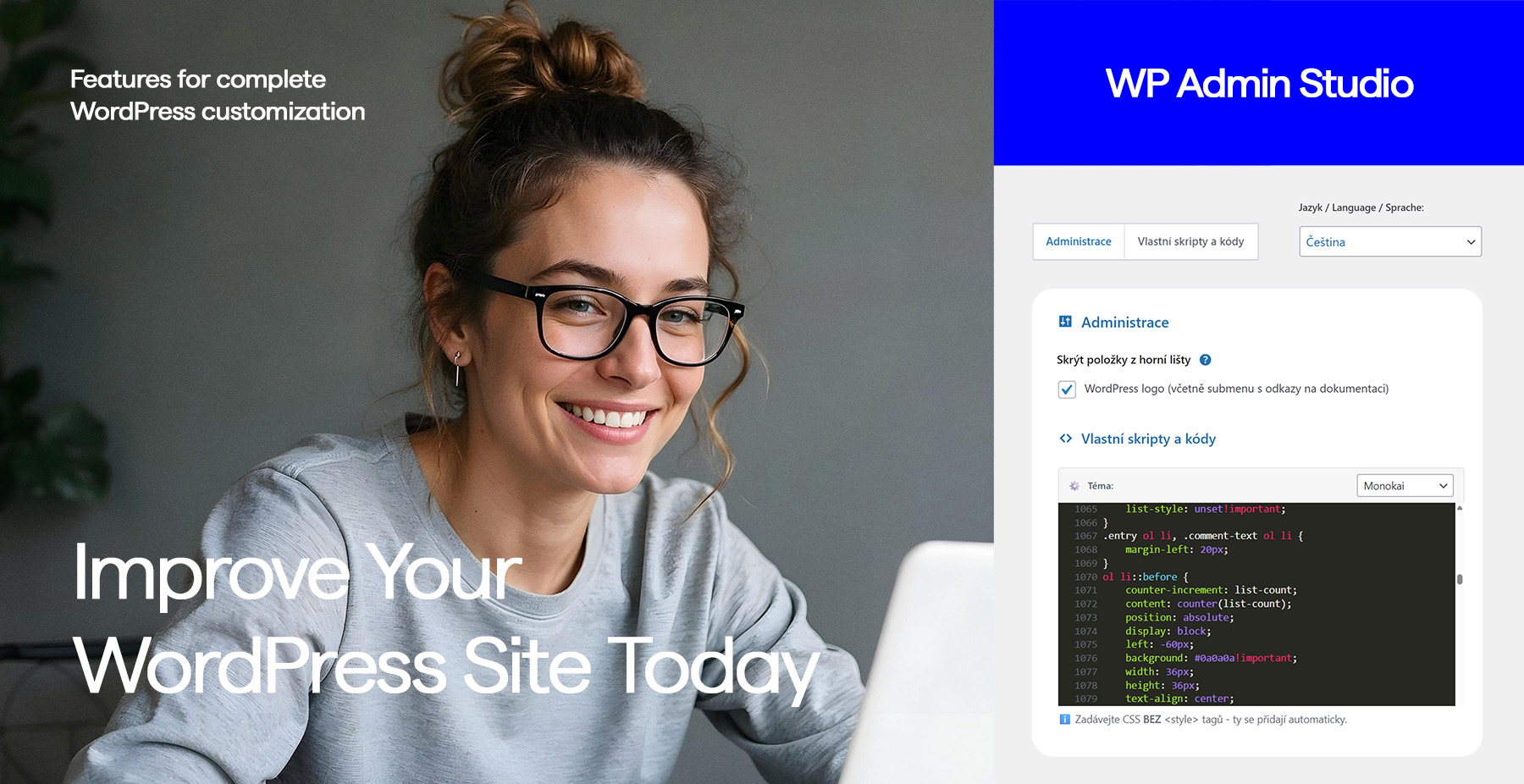
All customizations in one place. Simple. Fast. Stress-free.
WordPress settings available in 5 languages
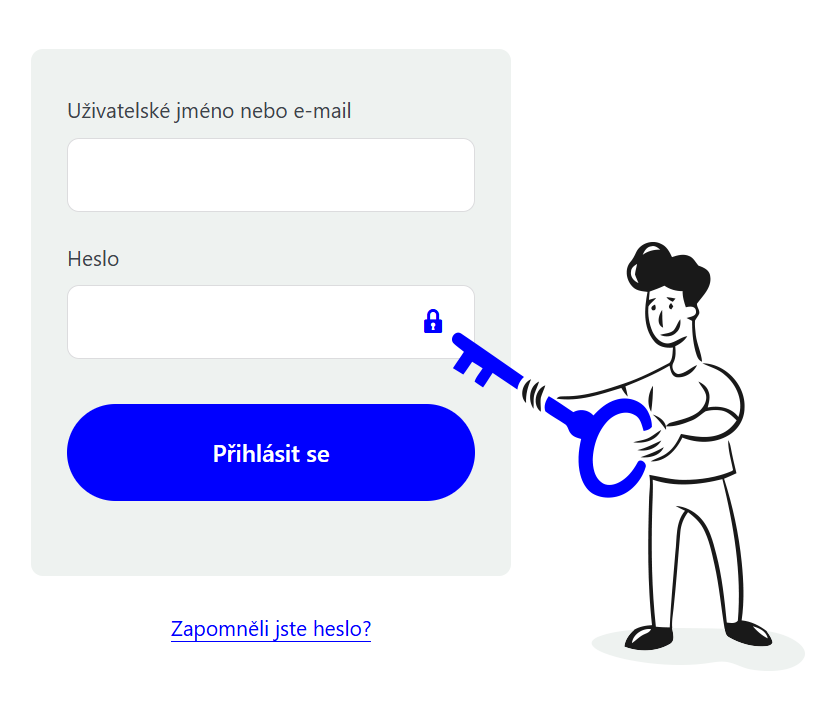
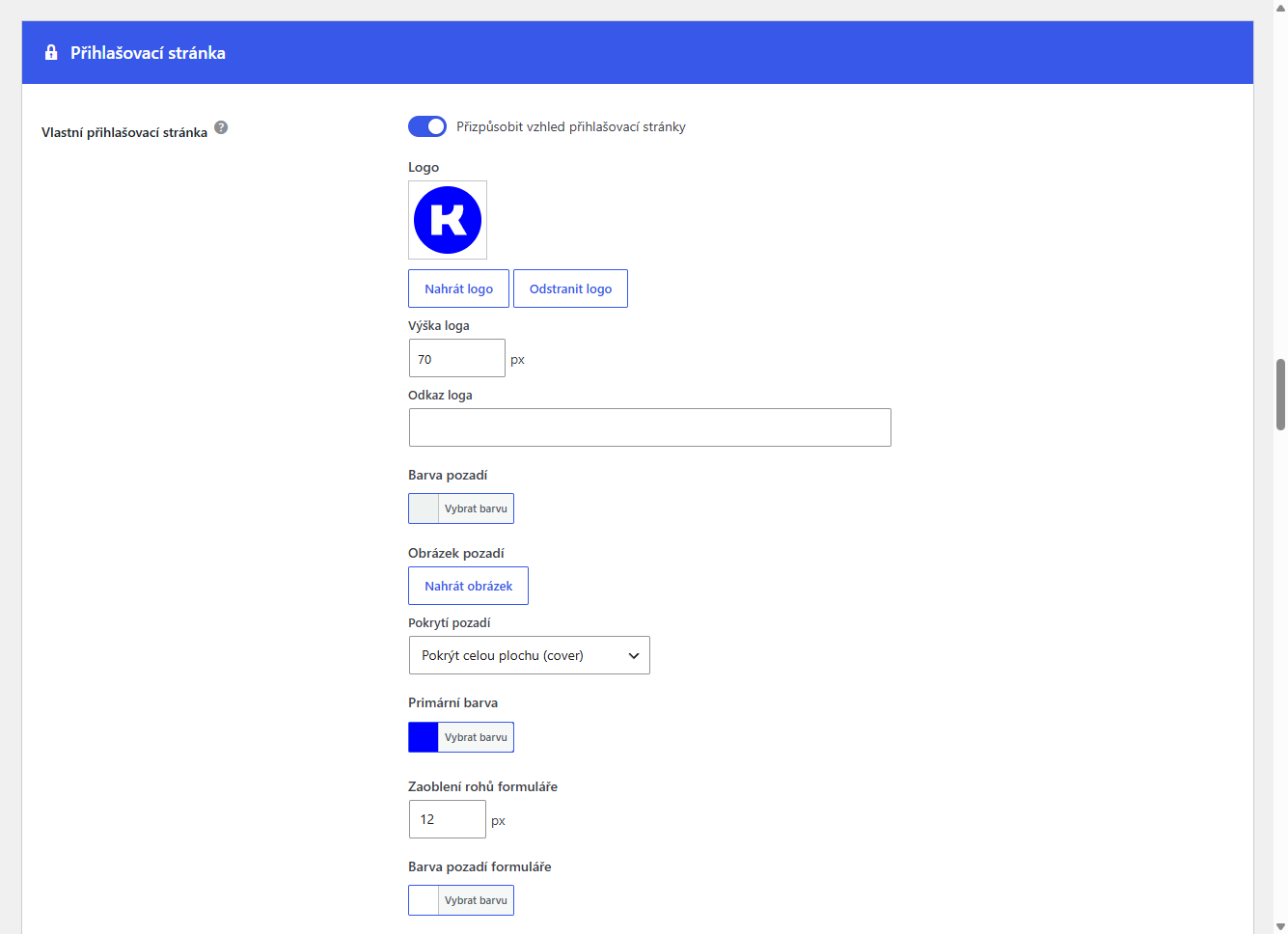
A login page that represents your brand
The default WordPress login looks unprofessional and reveals the technology behind your site. Change the logo, colors, fonts and background without a single line of code. For better security, hide the default /wp-admin and set a custom login URL only you know.
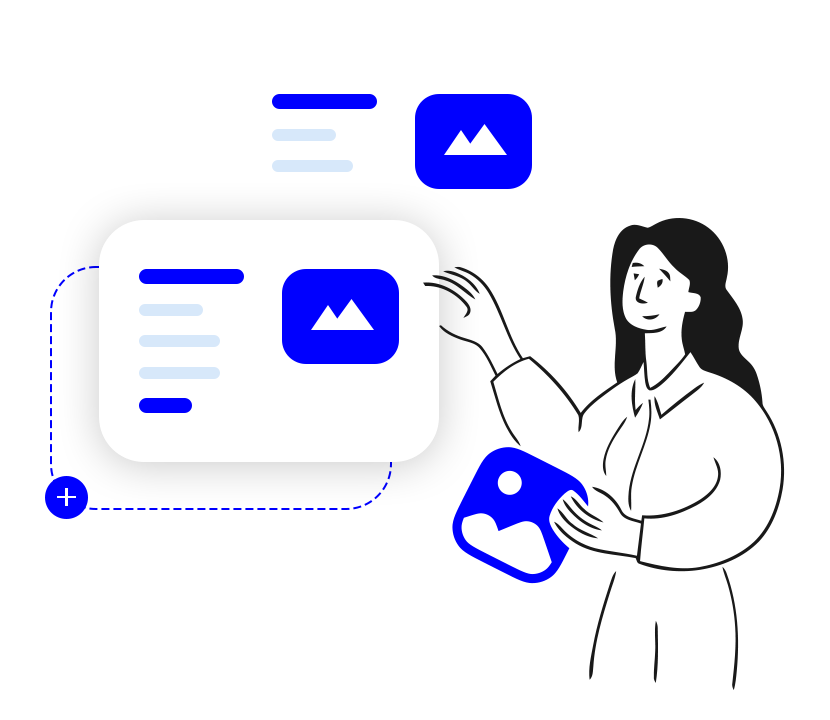
Copy content with one click
No need to start from scratch every time. WP Admin Studio adds instant duplication to your pages and posts overview – including metadata, custom fields and settings. Save time and focus on content.

Keep your installation clean and secure
Every WordPress install contains files you'll never use, but which can expose information to attackers. WP Admin Studio automatically identifies and removes unnecessary files like readme.html, license.txt or wp-config-sample.php. A simple step with a significant impact on security.
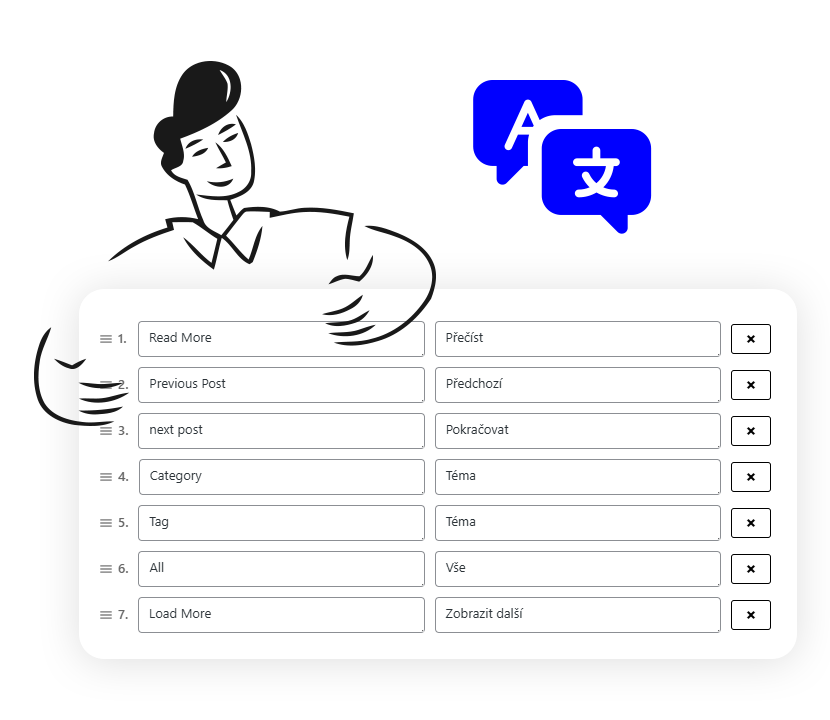
WordPress exactly in your language
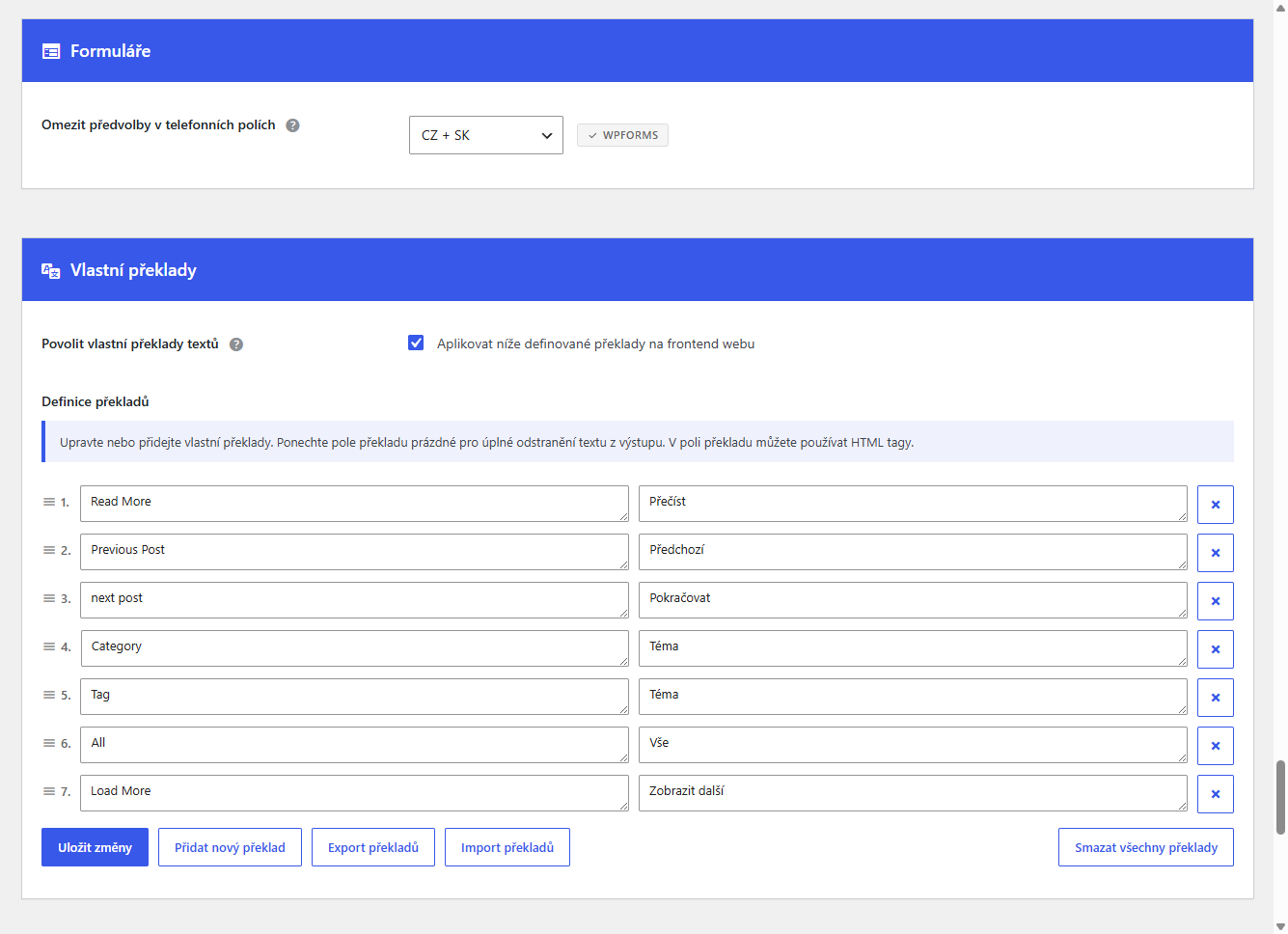
Plugins and themes sometimes use strings that don't fit your project. Edit any string directly in the admin – without .po files or external tools. Customize the interface for yourself and your clients.
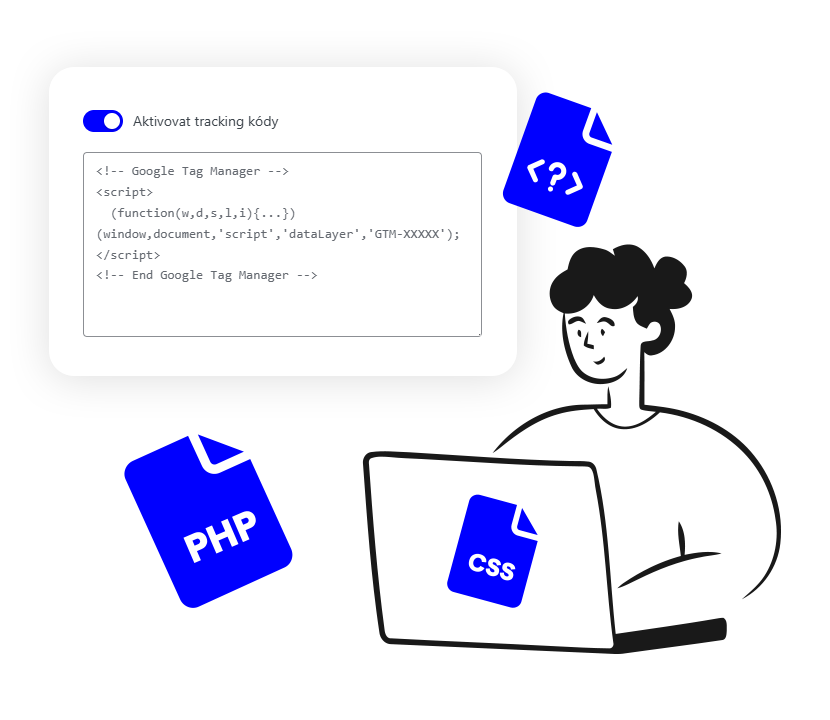
Everything important in one place, without FTP
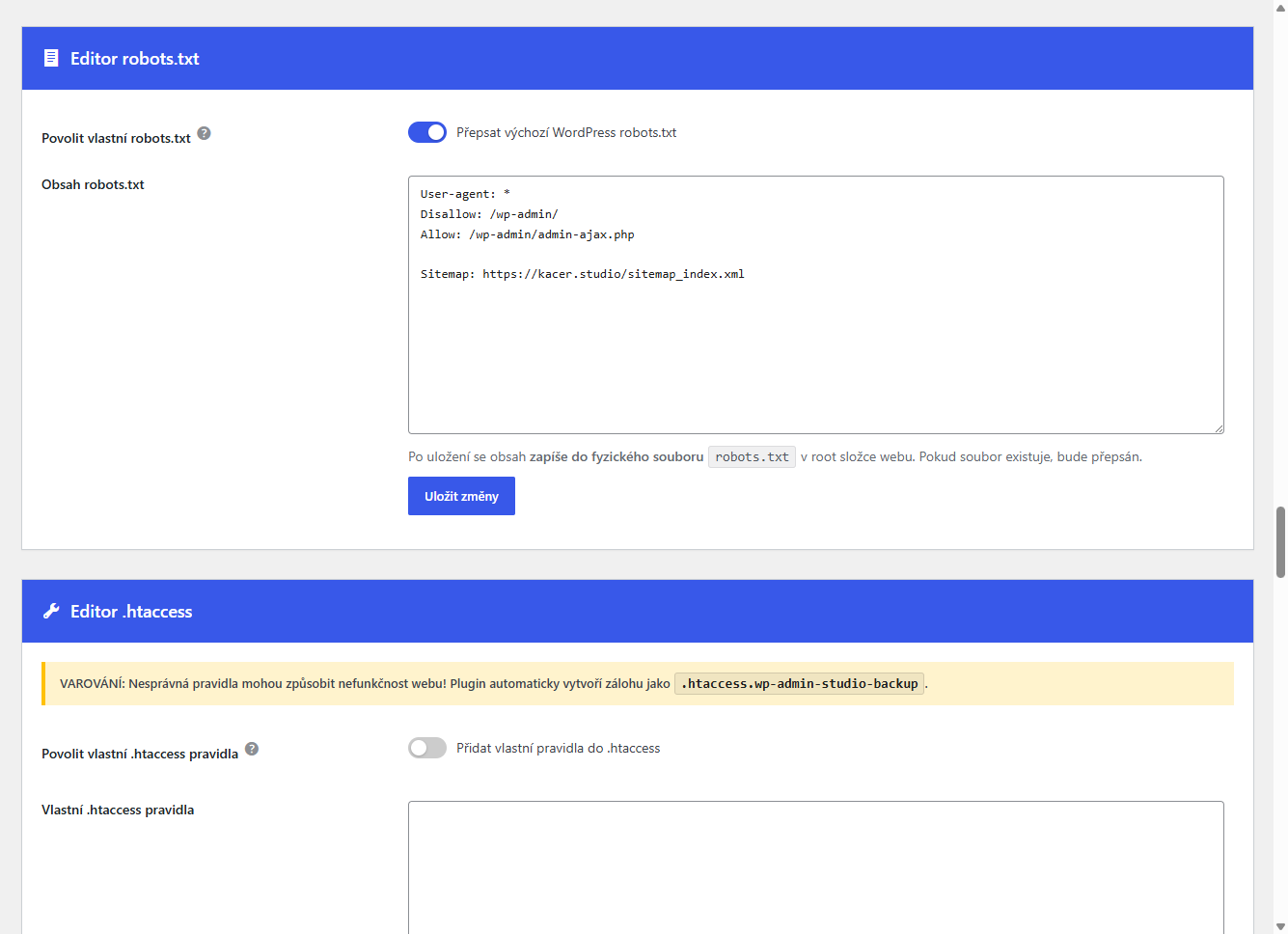
Robots.txt, .htaccess, custom PHP or analytics scripts – WP Admin Studio offers clean editors with syntax highlighting directly in the admin. Add tracking codes, adjust redirects or insert custom PHP quickly and without server access.
Replace any file in the media library with a new one without breaking links.
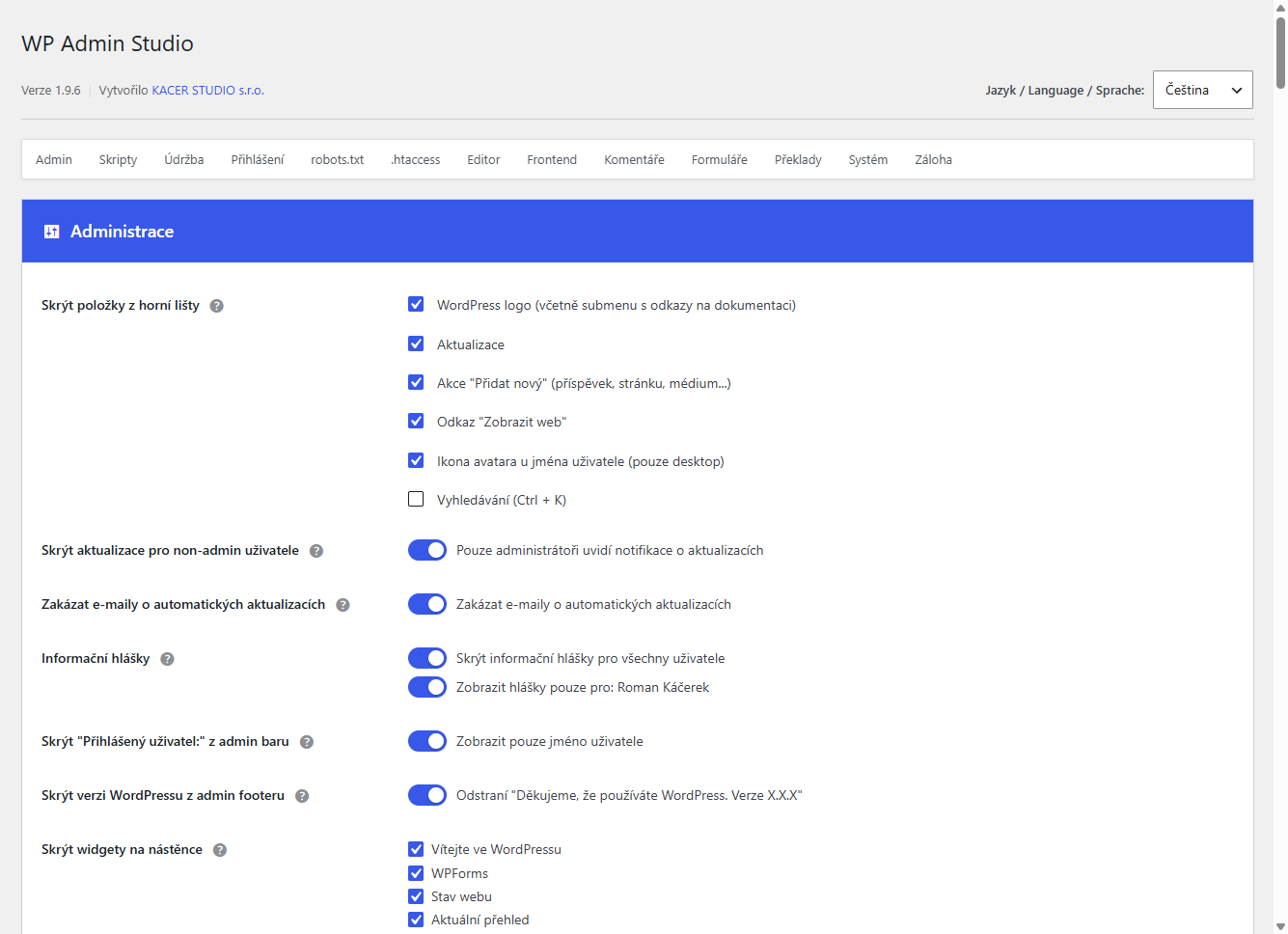
Show or hide dashboard widgets as needed. A clean dashboard without unnecessary information.
Restrict phone prefix selection in forms to a chosen group of countries – CZ+SK, Europe or USA+Canada. Works with WPForms, SureForms, Fluent Forms and more.
Customize the appearance of your login page.
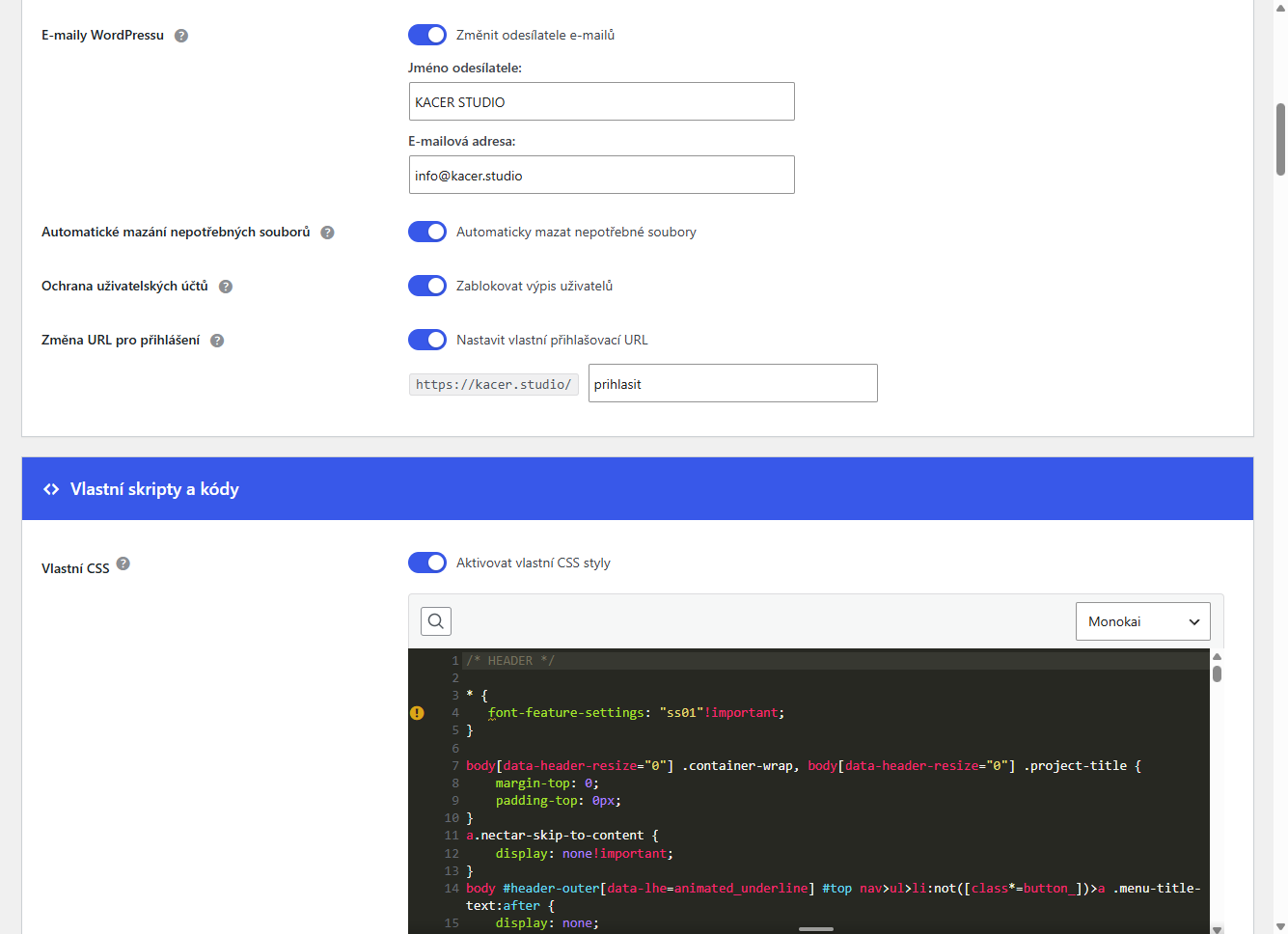
Change the URL for logging into wp-admin for security reasons. Use a custom URL slug instead of standard /wp-admin.
Quick copying of pages, posts or custom post types including all metadata with one click.
Enables secure upload of SVG files to media library with protection against malicious code.
Automatically deletes unnecessary WordPress files from FTP (license.txt, readme.html, wp-config-sample.php).
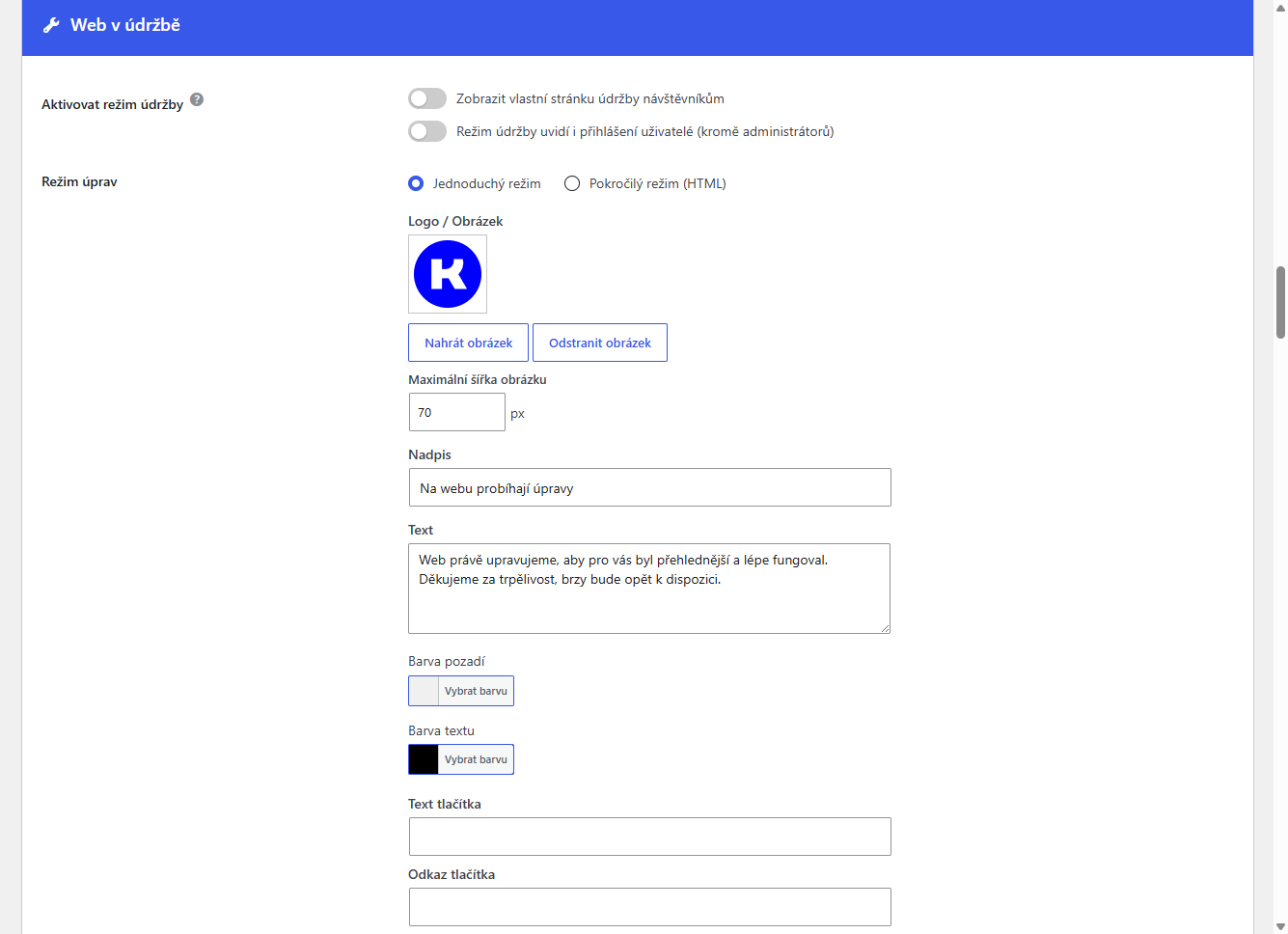
Simple or advanced maintenance mode setup with complete customization of design, text and images.
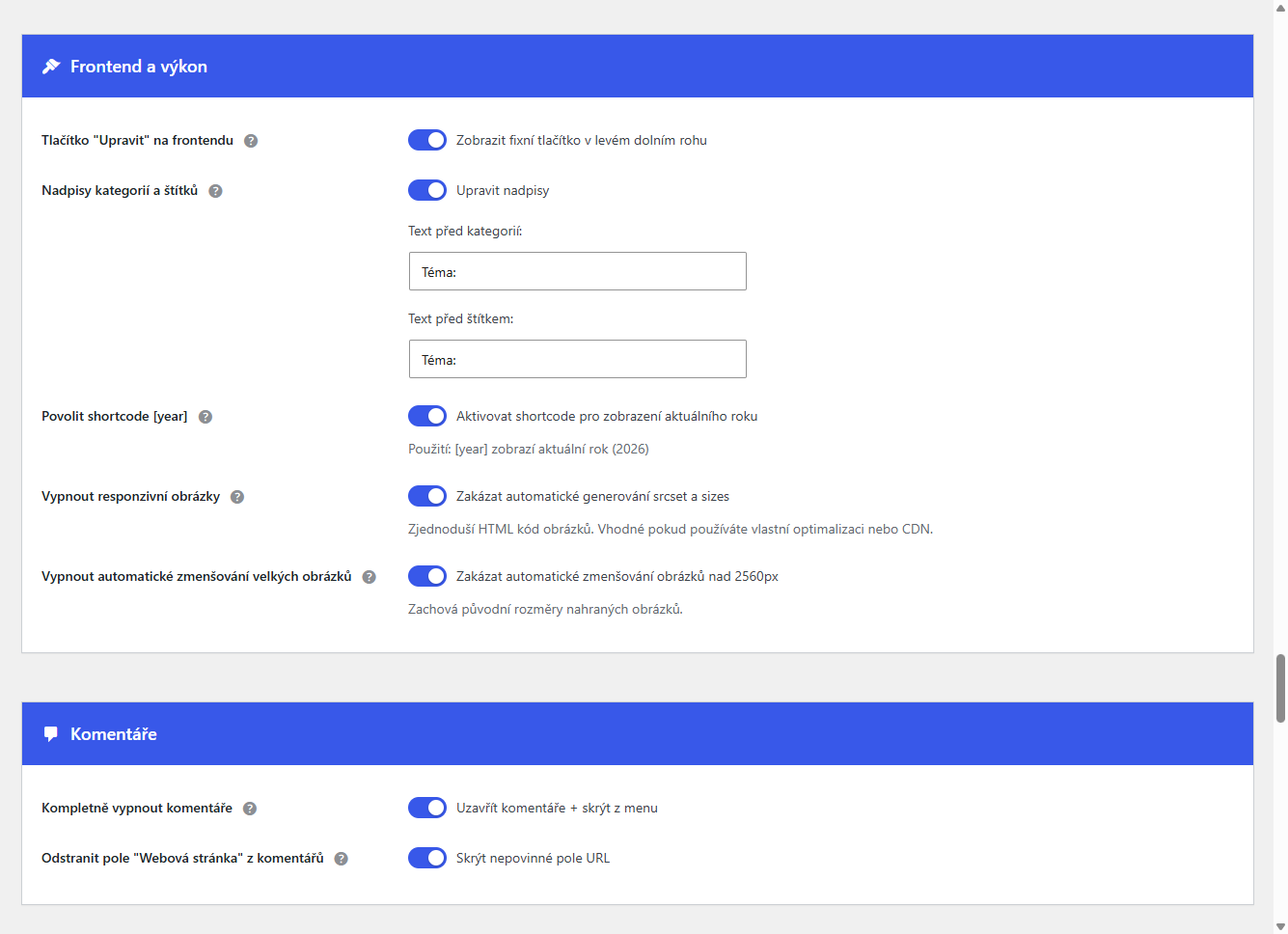
Close comments for all posts and pages and hide "Comments" item from admin menu.
Block REST API endpoints for user listing and remove author archive pages to prevent user enumeration.
Translate any text on the website without editing PHP files. HTML support in translations. Visible only on frontend.
Automatically display current year anywhere on the site - perfect for copyright in footer.
Customize admin bar, hide updates for non-administrators, change "Howdy" text, hide WordPress version and remove WP News widget.
Set custom email sender for WordPress emails - name and email address for all system messages.
Dynamic titles with variable support like %page%, %site_title% for better administration overview.
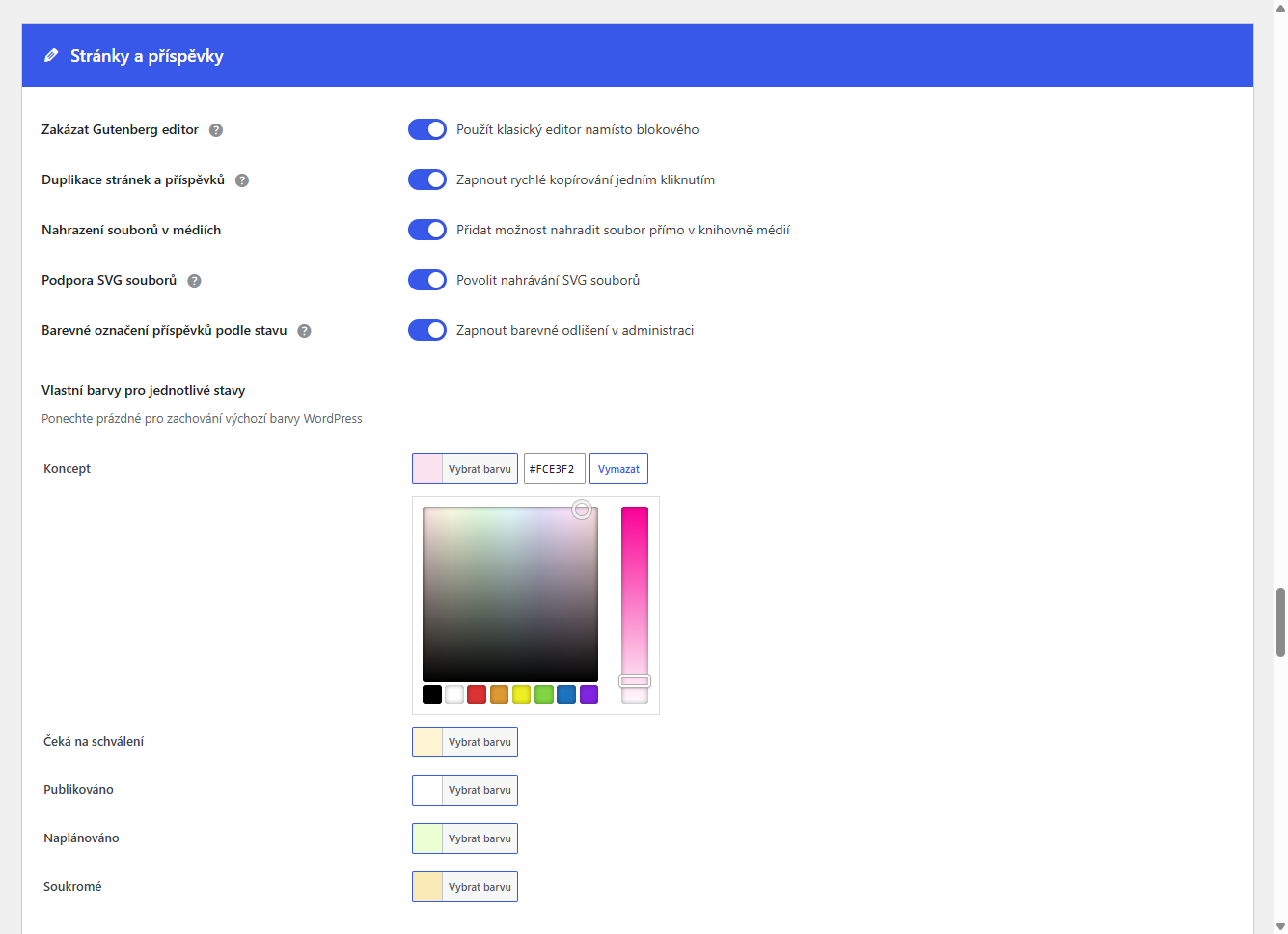
Turn off Gutenberg block editor with one click and return to classic editor.
Highlight different post statuses (draft, pending, published, scheduled, private) with custom colors.
Quick link to edit posts and pages directly from frontend without admin toolbar.
Remove automatic "Category:" or "Tag:" text from archive pages or add custom prefix.
Disable srcset and sizes attributes generation for images and reduce server load.
Reduce spam by removing URL field for website from comment form.
Advanced CSS editor with color theme selection (Monokai, Dracula, Material and more).
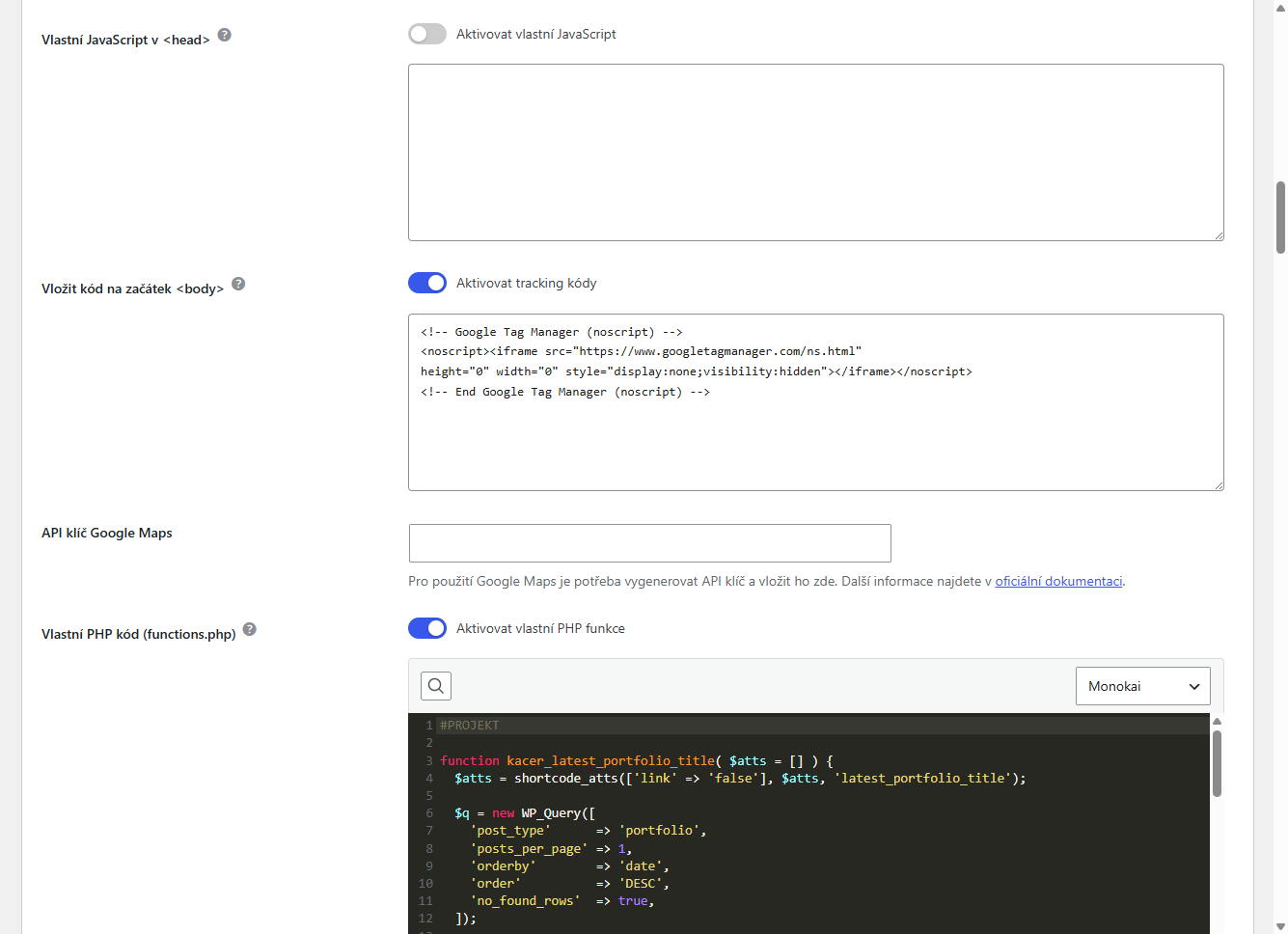
Insert custom JavaScript or tracking codes into <head> or at the beginning of <body>.
Edit robots.txt directly from administration without FTP access.
Safe .htaccess file editing with automatic backup and restore option.
Central Google Maps API key management with automatic integration and overwrite protection.
Editor for custom PHP functions with syntax highlighting. Safer than direct functions.php editing.
Plugin language and appearance automatically adapt to each WordPress user settings.
Backup all settings to JSON file and easily transfer them to another website. Import merges data instead of overwriting.
See how the plugin looks
Answers to the most common questions about WP Admin Studio plugin
Have other questions?We got tired of jumping between dozens of plugins and individual scripts for every small tweak. We wanted everything in one place. Simple. Fast. Stress-free.
For web designers, developers, agencies and WordPress administrators who want to manage their websites efficiently without installing dozens of different plugins.
Yes, WP Admin Studio is completely free. All features are available without any limits or payments.
No! The plugin has a simple and intuitive interface. You can set up all features using a clear form without writing any code.
Yes, WP Admin Studio is compatible with all WordPress themes.
The plugin is developed by KACER STUDIO Brno focused on design, websites and marketing.
Start customizing your WordPress today
Download, upload and activate the plugin
Find the plugin in Settings › WP Admin Studio
Customize settings according to your needs
Done, enjoy your improved WordPress
Requires WordPress 6.0 or newer | Tested with WordPress 7.0
Tools that work well together.
25+ free WordPress tweaks – login page, maintenance mode, SVG upload, CSS editor and much more.
WordPress admin menu management – reorder, hide, rename, configure per role and user.
If the plugin saved you time or helped you, you can support its further development.
Scan QR code in mobile banking